Top 10 CRM for Small Businesses
Running a small business means handling leads, calls, emails, appointments, sales tasks, and customer follow-ups every day. Without the right system, details can get lost. A lead may not receive a reply. A quote may be forgotten. A customer may need to repeat the same information twice.
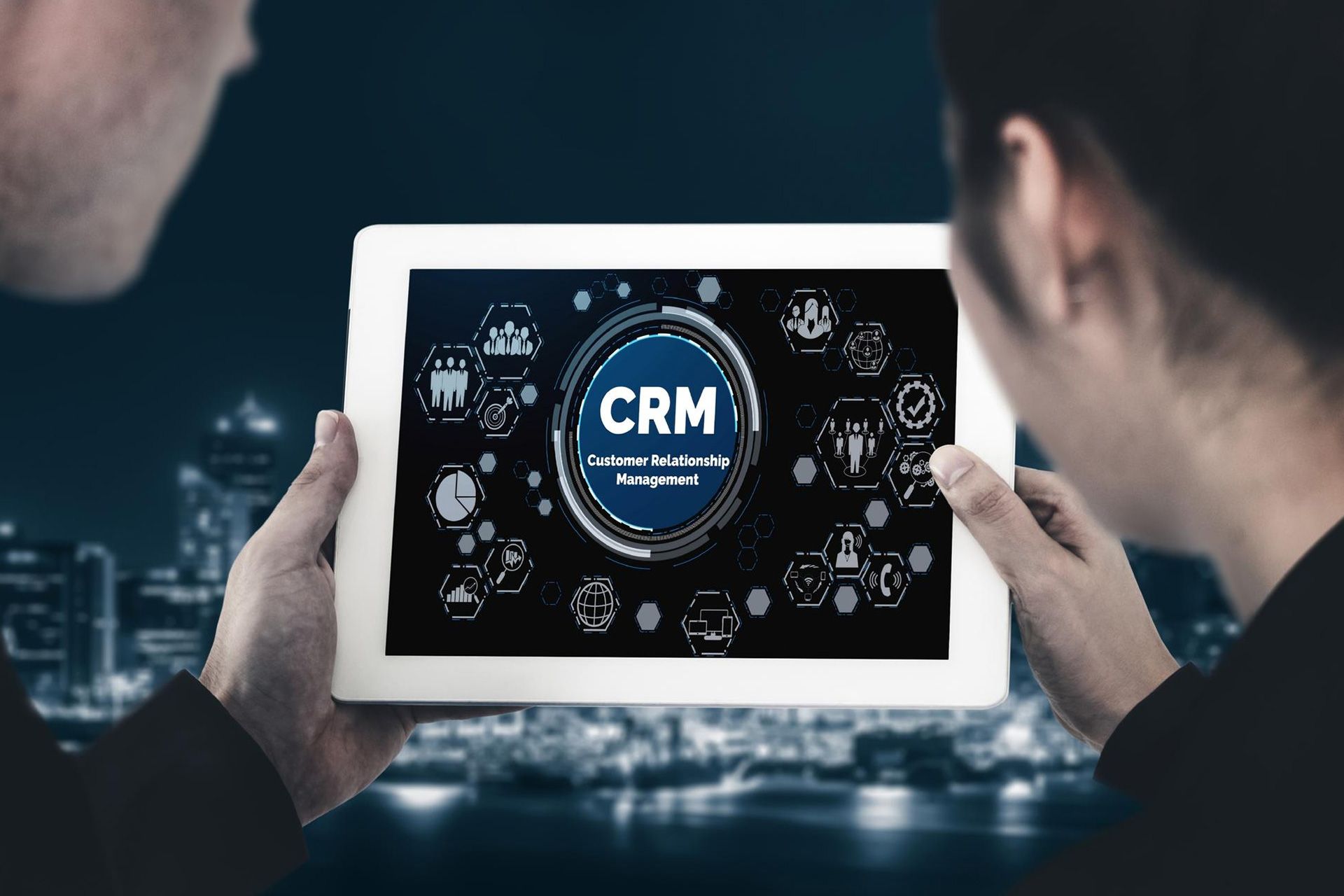
That is why many owners look for the best CRMs for small businesses. A CRM helps you manage contacts, track leads, schedule tasks, and view customer history in one place. The right tool can help your team work faster, stay organized, and improve customer relationships.
Below are 10 CRM options small businesses often consider, along with what each one may be best suited for.
What Makes a Good Small Business CRM?
Before choosing small-business CRM software, think about your daily workflow. A good CRM should be simple enough for your team to use, but strong enough to support growth.
Look for features like contact management, lead tracking, pipeline views, task reminders, email tools, reporting, and automation. The best sales tools for small businesses should help you follow up faster, understand your leads, and avoid manual tracking in spreadsheets.
1. OamiiCRM
OamiiCRM is a strong choice for small and medium-sized businesses that want one system for leads, follow-ups, appointments, tasks, and marketing automation. It is built for teams that need better organization without overcomplicating the process.
This platform is useful for service-based businesses, marketing-driven companies, and growing teams that want to manage customer activity from one place. If your business needs business CRM software that supports lead nurturing and daily task management, OamiiCRM is worth considering.
It can also help teams create a more consistent customer journey, from first contact to booked appointment and repeat business.
2. HubSpot CRM
HubSpot CRM is a popular option for small businesses that want contact management, lead tracking, marketing tools, and sales features in one platform. It is often chosen by teams that want to connect marketing and sales activity.
HubSpot can be useful for businesses that publish content, run email campaigns, or need better lead visibility. It may also work well for teams that want a broad platform they can grow into over time.
For owners comparing the best CRMs for small businesses, HubSpot often appears on the list because it addresses many core needs.
3. Zoho CRM
Zoho CRM is known for its wide range of features and flexible setup. It can help small businesses manage leads, contacts, deals, workflows, reports, and communication.
Zoho may be a good fit for teams that want more control over how their CRM is organized. It also integrates with other Zoho tools, which can be useful for businesses already using the Zoho ecosystem.
This type of business CRM software can support teams that need structure, automation, and reporting in one place.
4. Salesforce Starter
Salesforce is a well-known CRM brand, and its small business options are built for teams that want to grow. It can help manage contacts, leads, opportunities, service needs, and customer data.
Salesforce may be best for businesses that want strong reporting and future scale. It may take more setup than simpler tools, but it can support more detailed sales processes.
For companies that need sales tools for small businesses with room to expand, Salesforce Starter is a common option.
5. Pipedrive
Pipedrive is built around visual sales pipelines. It helps teams see where each deal stands and what action should happen next.
This CRM is useful for sales-focused businesses that want a clear view of leads, deals, calls, emails, and follow-ups. The simple layout can help teams adopt it more quickly.
Pipedrive is one of the best CRMs for small businesses when the main goal is to manage deal stages and improve sales follow-up.
6. Monday CRM
Monday CRM gives teams a visual way to manage leads, tasks, projects, and sales activity. It works well for businesses that like boards, columns, and custom workflows.
This tool can be helpful if your sales process connects with project work. For example, after a lead becomes a customer, the same system can help track the next steps.
Monday CRM can serve as both business CRM software and a task management system for teams seeking flexibility.
7. Freshsales
Freshsales is part of the Freshworks product family. It is designed to help teams manage contacts, deals, communication, and sales activity.
It may be a good option for businesses that want a CRM with built-in communication features and automation support. Freshsales can help teams organize customer conversations and move leads through a clear process.
For owners looking at sales tools for small businesses, Freshsales is often considered for its integration of sales activity and customer communication.
8. Insightly
Insightly combines CRM features with project management. This can be useful for businesses that need to track both the sale and the work that follows.
For example, a consulting company, agency, or service provider may use Insightly to manage leads, then track project tasks after a customer signs on.
This makes it a helpful choice for teams that want business CRM software with project tracking support.
9. Copper
Copper is often used by teams that work heavily inside Google Workspace. It integrates well with Gmail and related Google tools, which can make daily use easier for teams who already live in their inboxes.
Copper can help manage contacts, track emails, update opportunities, and organize sales tasks. It may be a good fit for small teams that want CRM activity close to their email workflow.
It is one of the sales tools for small businesses that can reduce platform switching.
10. Bitrix24
Bitrix24 offers CRM features for collaboration, task, communication, and project tools. It can be useful for teams that want many business functions on a single platform.
Because it includes many features, it may require more time to set up and learn. Still, it can work well for teams that want a larger workspace with CRM features included.
Small businesses that need sales tools and internal collaboration may want to review Bitrix24.
Conclusion
OamiiCRM helps small businesses manage leads, appointments, follow-ups, automation, and customer communication on a single, simple platform. We built it for growing teams that want less confusion and more control over daily sales activity. If you need a CRM that supports lead nurturing, task management, marketing automation, and better customer tracking, OamiiCRM can help you create a smoother process from first contact to repeat business.
Schedule a free demo with OamiiCRM today.
FAQs
What is a CRM for a small business?
A CRM is software that helps small businesses manage leads, contacts, customer details, sales tasks, and follow-ups in one organized system.
Which CRM is best for a small service business?
The best CRM depends on your workflow. Service businesses should look for lead tracking, appointment scheduling, task reminders, automation, and clear customer history.
Do small businesses really need a CRM?
Yes, many small businesses benefit from using a CRM because it helps prevent missed leads, improves follow-up, and keeps customer information organized.
What features should I look for in a CRM?
Look for contact management, lead tracking, pipeline views, reminders, appointment tools, reporting, automation, and easy team use.
Can a CRM help improve sales?
Yes. A CRM can help teams follow up faster, track deal stages, manage leads better, and understand which sales actions are working.
Disclaimer: The information on this website and blog is for general informational purposes only and is not professional advice. We make no guarantees of accuracy or completeness. We disclaim all liability for errors, omissions, or reliance on this content. Always consult a qualified professional for specific guidance.
Search
Recent Posts