Why Using Multiple Tools Is Hurting Your Sales Process
Many businesses believe that adding more software will improve productivity. One tool for email, another for scheduling, one for payments, one for lead tracking, and a few more for marketing automation. On the surface, this seems efficient.
In reality, using too many disconnected tools often slows down the sales process, creates confusion, and causes leads to fall through the cracks.
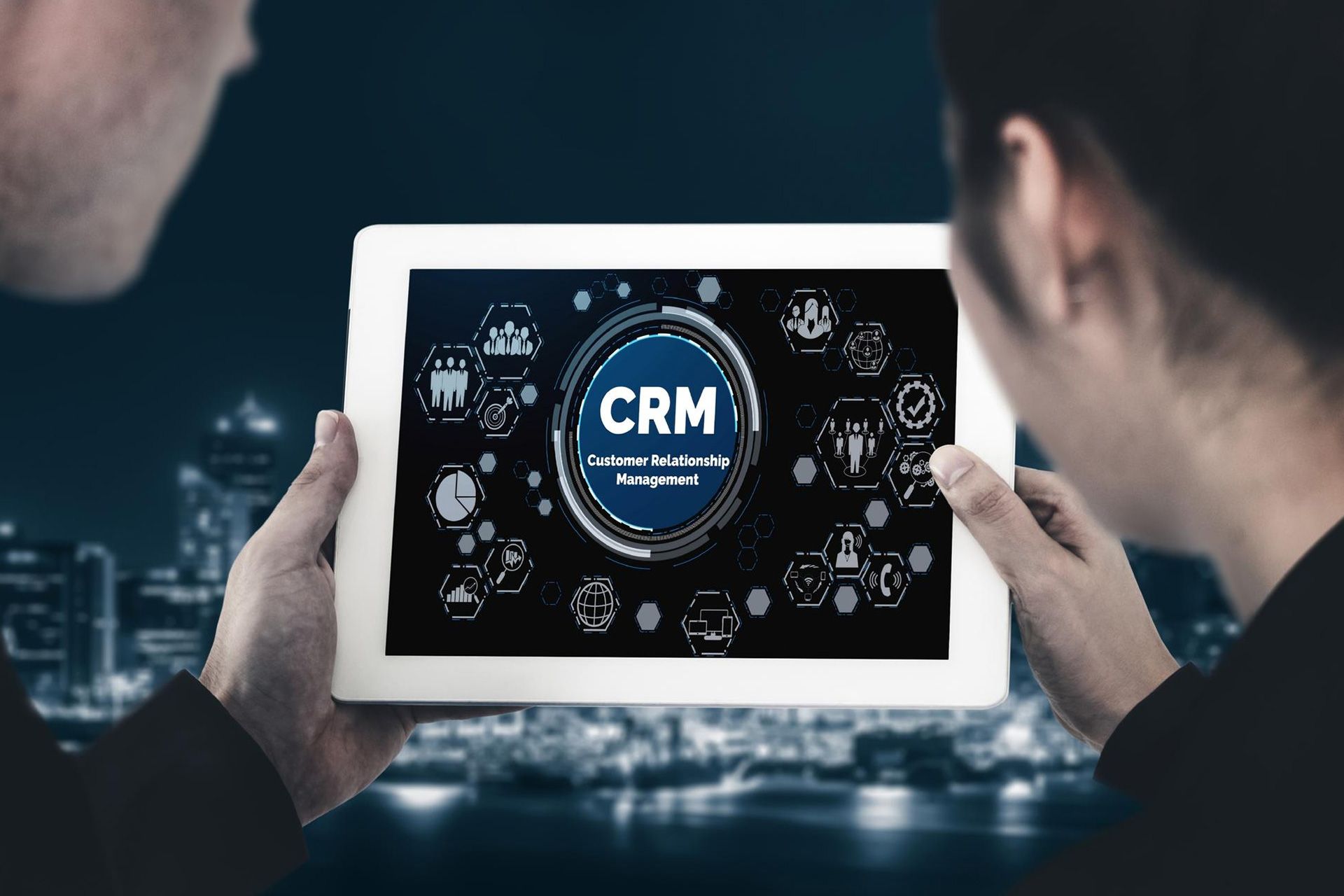
For service-based businesses across the United States, this fragmented approach leads to missed follow-ups, poor visibility, and lost revenue. Understanding the CRM software benefits and how sales process automation works can help businesses eliminate chaos and build a smoother, more profitable system.
The Problem with Using Multiple Sales and Marketing Tools
1. Scattered Lead Data
When businesses use multiple platforms, customer data gets spread across:
- Email platforms
- Scheduling tools
- Payment systems
- Call logs
- Spreadsheets
This makes it difficult to see the full picture of a lead’s journey. Teams waste time searching for information instead of closing deals.
Without a centralized system, important details are often missed.
2. Missed Follow-Ups and Slow Response Times
Fast response time is critical for lead conversion. When tools don’t communicate with each other:
- Notifications are missed
- Follow-ups are delayed
- Leads lose interest
Manual follow-ups rely heavily on memory and discipline, which leads to inconsistency. This is one of the biggest reasons businesses lose qualified leads.
3. Inconsistent Customer Communication
When emails, texts, and calls are handled in separate platforms, messaging becomes inconsistent. Different team members may:
- Send duplicate messages
- Miss previous conversations
- Lack context when responding
This negatively impacts customer experience and reduces trust.
4. Higher Costs with Lower ROI
Using multiple tools often means:
- Multiple monthly subscriptions
- Overlapping features
- Unused software
- Hidden costs
Despite higher expenses, businesses often see lower efficiency and poor ROI because systems are not integrated.
5. No Clear Sales Visibility
Disconnected tools make it nearly impossible to answer questions like:
- Where are my leads coming from?
- Which leads are converting?
- Where are deals getting stuck?
- How much revenue is marketing generating?
Without clear visibility, decision-making becomes guesswork.
How This Impacts Your Sales Process
A sales process should be simple, structured, and repeatable. Multiple tools break that flow.
Common Issues Businesses Face:
- Leads fall through the cracks
- Sales pipelines are outdated
- Follow-ups are inconsistent
- Team accountability is unclear
- Performance tracking is inaccurate
This leads to lost revenue—even when marketing is generating enough leads.
What Is Sales Process Automation?
Sales process automation uses technology to handle repetitive tasks and guide leads through each stage of the sales journey automatically.
Automation helps with:
- Lead assignment
- Follow-up emails and texts
- Appointment reminders
- Task creation
- Pipeline movement
- Notifications
Instead of manually managing every step, automation ensures consistency and speed.
CRM Software Benefits: One Platform, One System
A CRM replaces multiple disconnected tools by centralizing everything into one system.
Key CRM Software Benefits
1. Centralized Lead Management
All leads, contacts, and customer data are stored in one place. This ensures complete visibility and eliminates confusion.
2. Automated Follow-Ups
CRM automation ensures every lead receives timely communication without manual effort.
Examples include:
- Instant welcome messages
- Follow-up reminders
- Appointment confirmations
- Missed call texts
3. Unified Communication
Emails, SMS, calls, and chats are organized by contact. Teams can view the full conversation history before responding.
This improves professionalism and customer experience.
4. Visual Sales Pipelines
CRMs provide visual pipelines that show:
- Lead stages
- Deal value
- Assigned owners
- Next actions
This keeps sales organized and helps identify bottlenecks quickly.
5. Better Team Collaboration
With a CRM, everyone works from the same system. Notes, tasks, and updates are visible to the entire team, reducing errors and duplication.
6. Accurate Reporting and Insights
CRMs provide dashboards that show:
- Lead sources
- Conversion rates
- Sales performance
- Revenue attribution
This helps businesses optimize marketing and sales strategies based on real data.
Why an All-in-One CRM Is Better Than Multiple Tools
An all-in-one CRM eliminates the need for juggling software and manual integrations.
Benefits of Using One CRM Platform:
- Fewer tools to manage
- Lower operational costs
- Faster lead response
- Consistent communication
- Clear reporting
- Scalable growth
For growing businesses, simplicity is a competitive advantage.
Who Benefits Most from CRM-Based Sales Automation?
CRM-based automation is ideal for:
- Service-based businesses
- Local businesses in the U.S.
- Marketing-driven companies
- Small and mid-sized teams
- Businesses with inbound leads
Any business struggling with follow-ups, visibility, or lead tracking can benefit from automation.
Signs Your Business Needs a CRM Now
If your business experiences any of the following, it’s time to switch:
- Leads are missed or ignored
- Follow-ups are inconsistent
- Sales data is unclear
- Too many tools are being used
- Team communication is scattered
A CRM provides structure and control.
Final Thoughts: Simplicity Drives Sales Growth
Using multiple disconnected tools may seem productive, but it often creates friction in the sales process. Businesses lose time, clarity, and revenue.
By understanding CRM software benefits and implementing sales process automation, businesses can streamline operations, improve customer experience, and close more deals—without working harder
.A single, well-implemented CRM like OamiiCRM turns chaos into consistency. With centralized lead management, automated follow-ups, visual pipelines, and reporting all in one platform, OamiiCRM helps businesses simplify their sales process, stay organized, and achieve measurable growth efficiently
Frequently Asked Questions (FAQs)
Why are multiple tools bad for sales processes?
Multiple tools create data silos, slow follow-ups, increase errors, and reduce visibility across the sales pipeline.
How does a CRM replace multiple tools?
A CRM combines lead management, communication, automation, scheduling, and reporting into one platform.
What are the main CRM software benefits?
Key benefits include centralized data, automated follow-ups, improved communication, clear pipelines, and accurate reporting.
Can sales process automation improve conversions?
Yes. Automation ensures faster responses, consistent follow-ups, and better lead engagement, which increases conversions.
Is a CRM suitable for small businesses?
Absolutely. Many CRMs are designed specifically for small and mid-sized businesses and scale as they grow.
Does using a CRM reduce operational costs?
Yes. Replacing multiple tools with one CRM often reduces subscription costs and manual labor.
When should a business move to a CRM?
As soon as it generates leads or struggles with follow-ups, organization, or sales visibility.
Disclaimer: The information on this website and blog is for general informational purposes only and is not professional advice. We make no guarantees of accuracy or completeness. We disclaim all liability for errors, omissions, or reliance on this content. Always consult a qualified professional for specific guidance.
Search
Recent Posts